Capture the failure clearly
Include the observed behavior, expected behavior, error output, and reproduction steps when available.
ErrorExpected resultReproduction
AI DEBUGGING
Turn an error, failing test, or unexpected behavior into a structured debugging conversation that stays connected to the relevant project code.
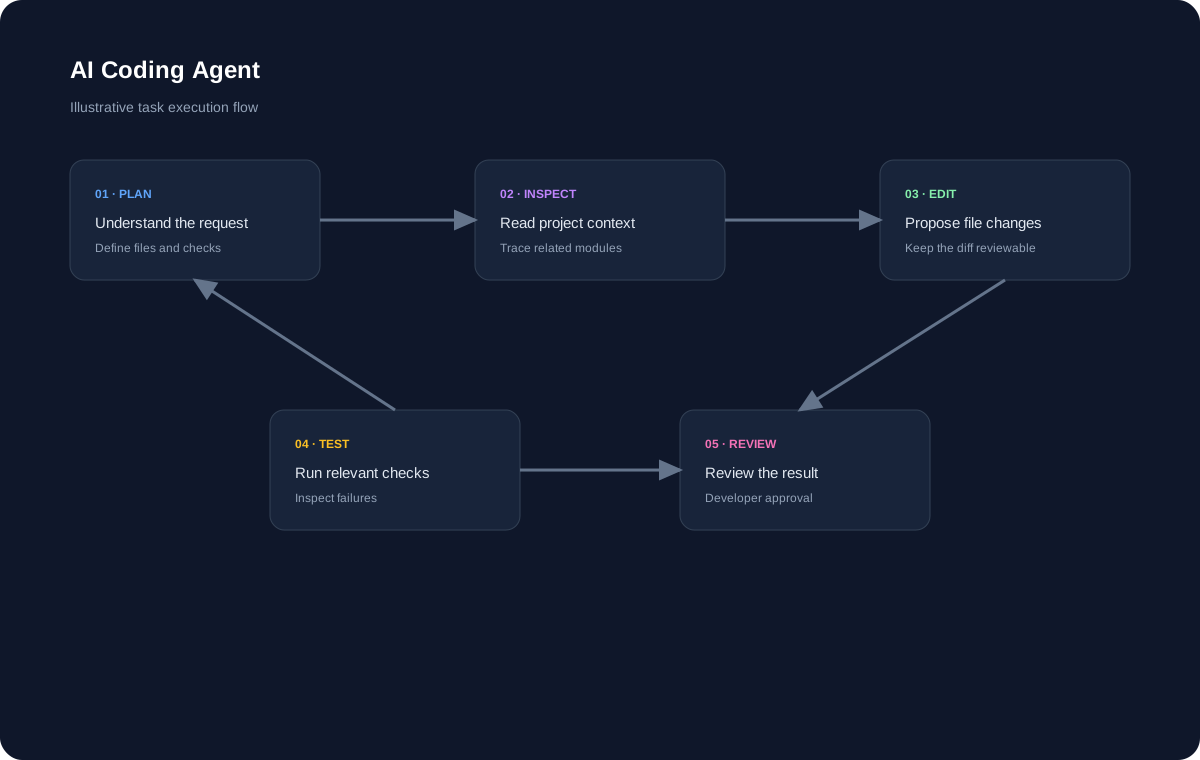
A PRACTICAL AI WORKFLOW
Good AI coding experiences connect natural-language intent with the actual software being changed.
Include the observed behavior, expected behavior, error output, and reproduction steps when available.
Relevant files, dependencies, and call paths can help an AI assistant form better debugging hypotheses.
A proposed fix is only a hypothesis until it is validated. Run the relevant tests or reproduce the original problem after the change.
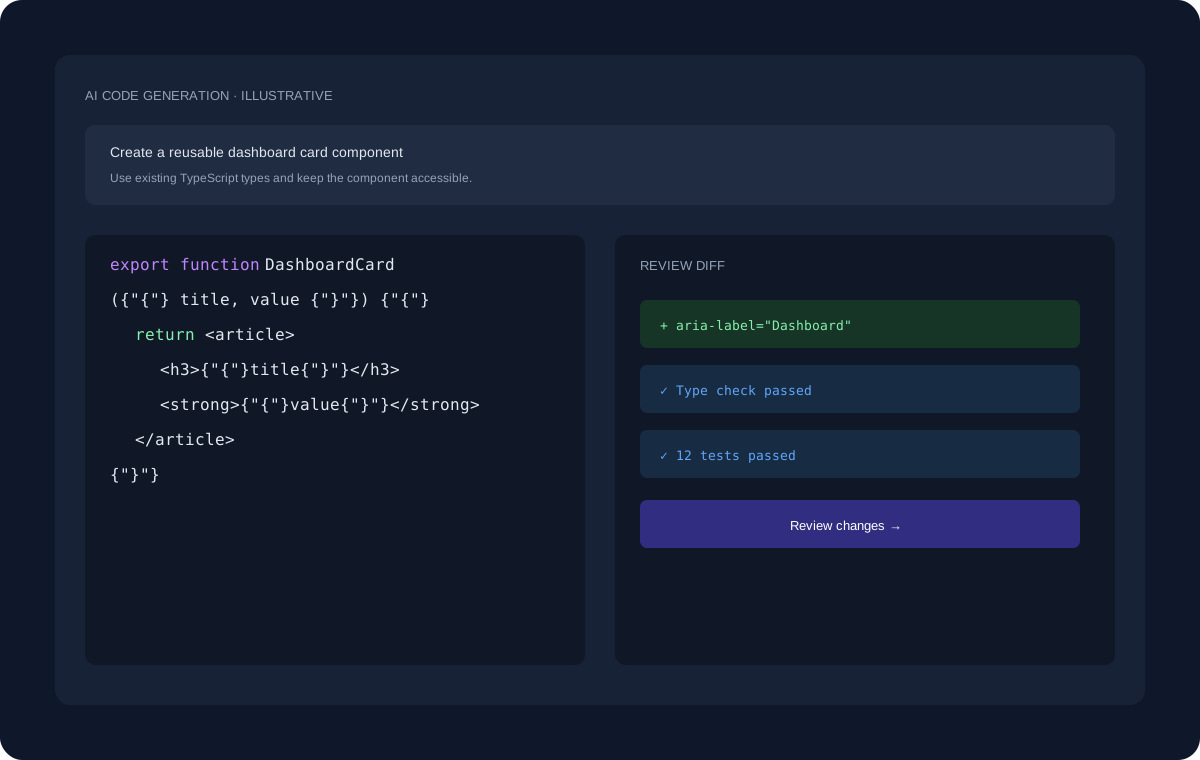
ILLUSTRATIVE WORKFLOW
The interface shown here uses dummy data for demonstration. A real development task can move through planning, project inspection, code changes, review, and validation.
EXPLORE MORE
Continue to the pages that cover adjacent coding workflows and developer use cases.
FAQ
AI can analyze error information and code context to suggest likely causes and fixes, but the result must be verified in the actual runtime.
Yes. Failing test output and the relevant test and implementation files can provide useful debugging context.
Iterative debugging is normal. Provide new evidence and refine the hypothesis rather than assuming the first suggestion is correct.
START BUILDING
Start with a question, an existing project, or a new idea and move toward a reviewed implementation.
Get Started Free →