Start with the symptom
Give the AI an error message, failing test, stack trace, or description of unexpected behavior. The assistant can help organize likely causes and relevant project areas.
ErrorsStack tracesFailing tests
AI DEBUGGING
When a bug is difficult to isolate, use AI to turn an error message or unexpected behavior into a structured debugging workflow.
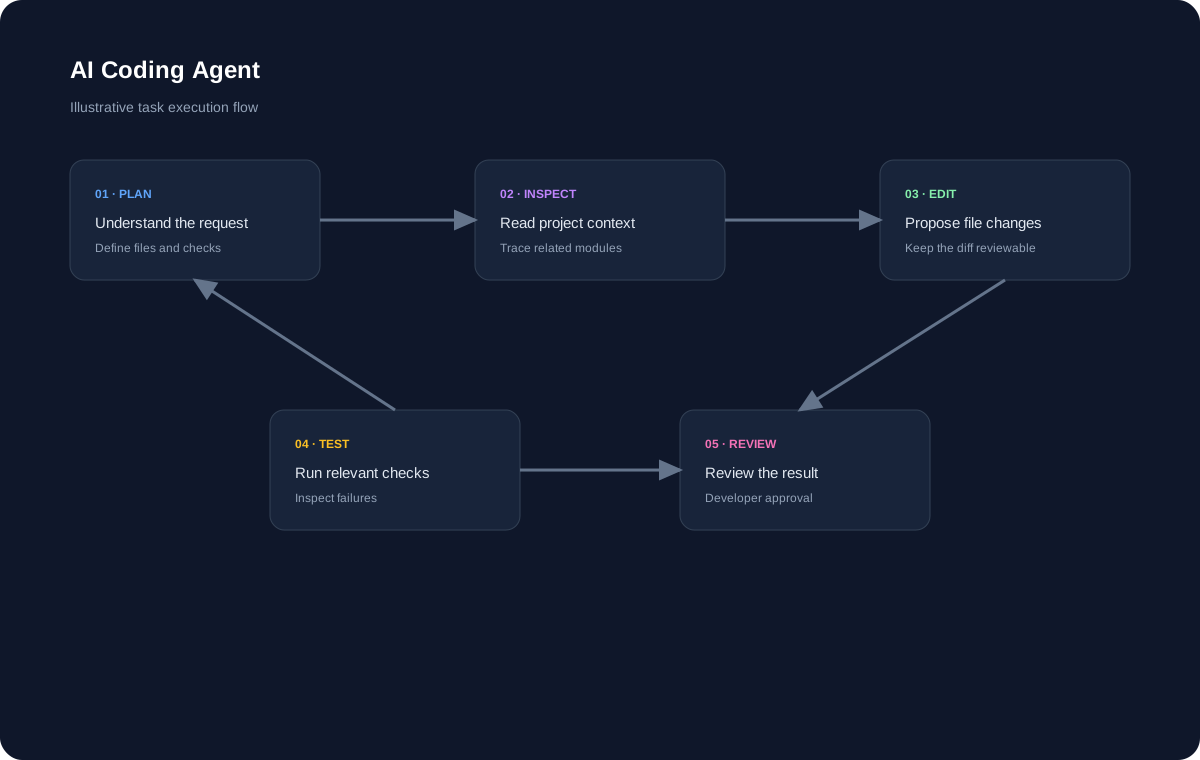
A PRACTICAL AI WORKFLOW
Good AI coding experiences connect natural-language intent with the actual software being changed.
Give the AI an error message, failing test, stack trace, or description of unexpected behavior. The assistant can help organize likely causes and relevant project areas.
Debugging often crosses boundaries between components, APIs, data, and configuration. Project-aware context can help connect those pieces.
After identifying a likely cause, AI can suggest a targeted change. Review the diff and use tests or reproduction steps to validate the result.
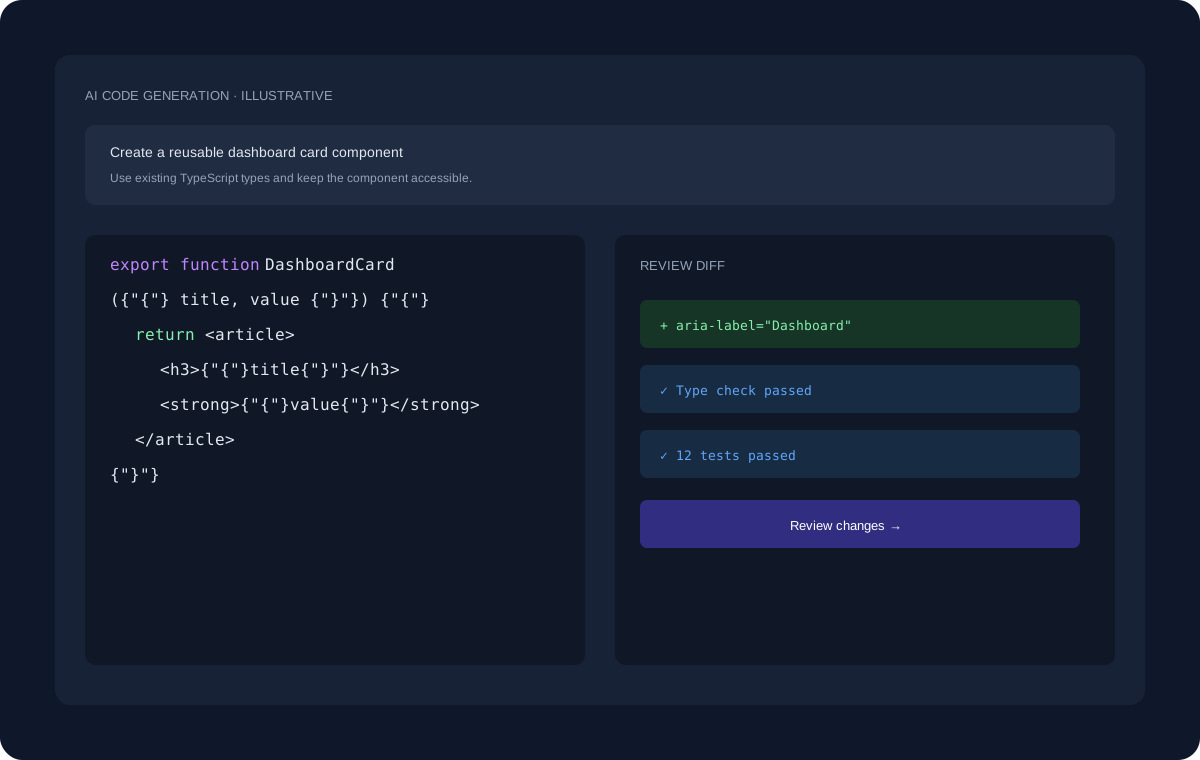
ILLUSTRATIVE WORKFLOW
The interface shown here uses dummy data for demonstration. A real development task can move through planning, project inspection, code changes, review, and validation.
EXPLORE MORE
Continue to the pages that cover adjacent coding workflows and developer use cases.
FAQ
No. AI can suggest hypotheses and fixes, but debugging still requires verification against actual program behavior.
Yes. Error messages and stack traces can provide useful context when diagnosing a problem.
Review and validate the proposed change before applying it to important code.
START BUILDING
Start with a question, an existing project, or a new idea and move toward a reviewed implementation.
Get Started Free →