Plan the application
Define pages, user flows, data requirements, and API boundaries before generating implementation details.
PagesUser flowsAPI plan
WEB DEVELOPMENT
Use an AI coding workspace to move from a web-app idea to components, routes, APIs, data flows, and tested changes while keeping the project context close to the work.
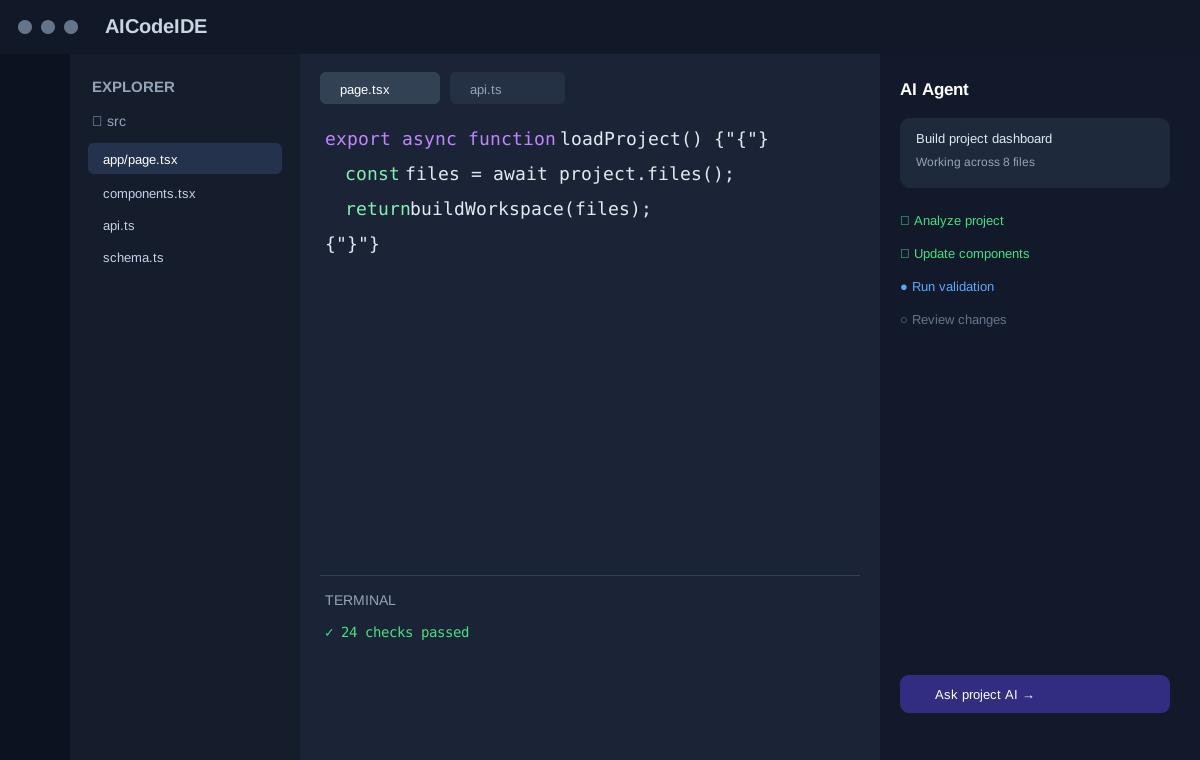
A PRACTICAL AI WORKFLOW
Good AI coding experiences connect natural-language intent with the actual software being changed.
Define pages, user flows, data requirements, and API boundaries before generating implementation details.
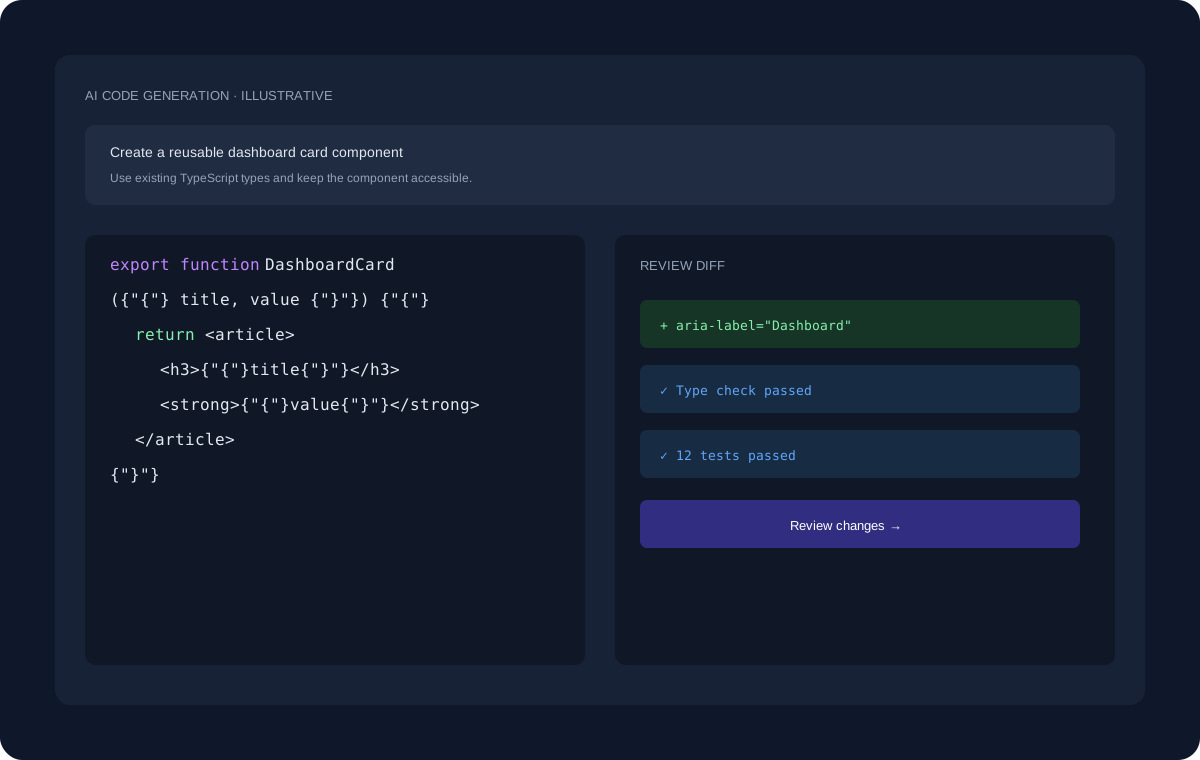
AI assistance can help generate components, route handlers, validation, and supporting code while following patterns already present in the project.
Web apps change quickly. Use AI to investigate browser or server errors, update tests, and review the resulting diff.
ILLUSTRATIVE WORKFLOW
The interface shown here uses dummy data for demonstration. A real development task can move through planning, project inspection, code changes, review, and validation.
EXPLORE MORE
Continue to the pages that cover adjacent coding workflows and developer use cases.
FAQ
Yes. AI tools can assist with React components, state logic, tests, and related development tasks.
It can generate and explain API handlers, validation, schemas, and integration code, subject to developer review.
Yes. Unit, integration, and end-to-end tests remain important for reliable web applications.
START BUILDING
Start with a question, an existing project, or a new idea and move toward a reviewed implementation.
Get Started Free →