Work with Java in context
AI assistance is more useful when it can relate a coding request to the files, types, components, services, or conventions around the task. Use project context to keep the work grounded.
JAVA + AI
Use AICodeIDE as an AI-assisted workspace for Java development. Ask questions, generate implementation ideas, inspect changes, debug problems, and iterate on project code.
A PRACTICAL AI WORKFLOW
Good AI coding experiences connect natural-language intent with the actual software being changed.
AI assistance is more useful when it can relate a coding request to the files, types, components, services, or conventions around the task. Use project context to keep the work grounded.
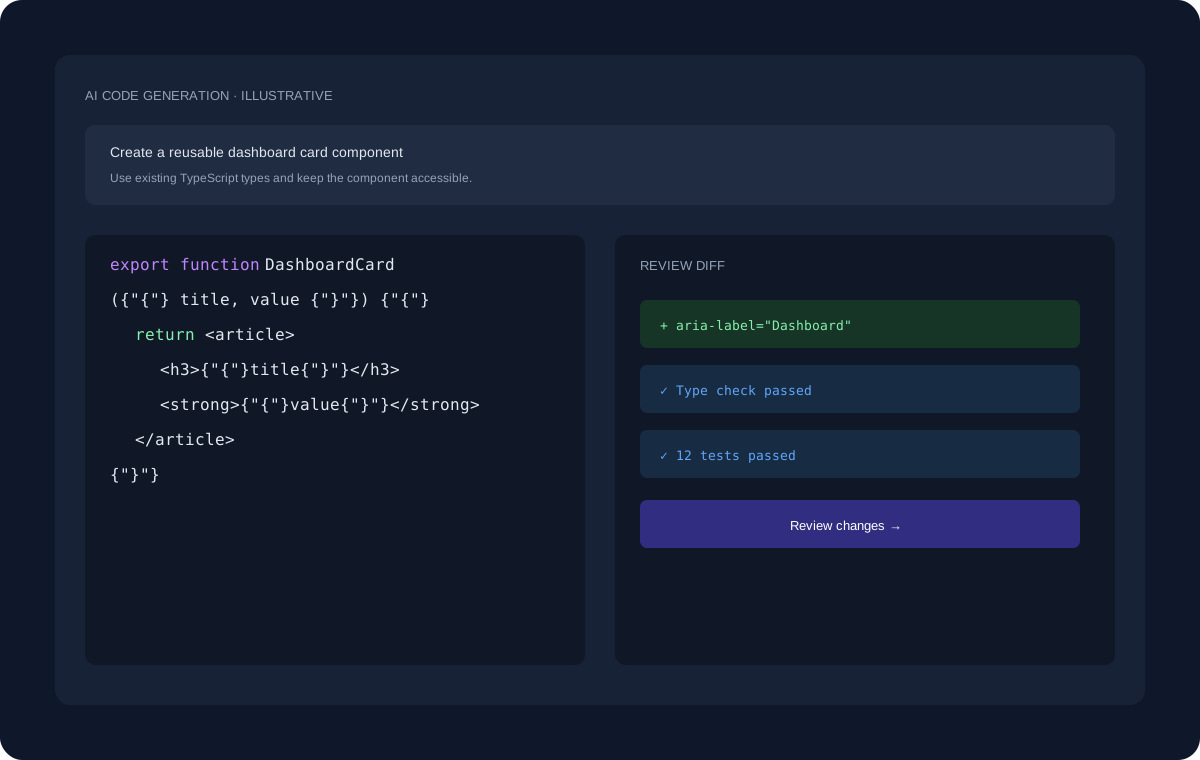
Describe a function, component, service, fix, or refactoring goal and review the proposed implementation before applying it.
Use errors, failing tests, and expected behavior as inputs for an iterative debugging workflow. Validate changes with the project's own checks.
ILLUSTRATIVE WORKFLOW
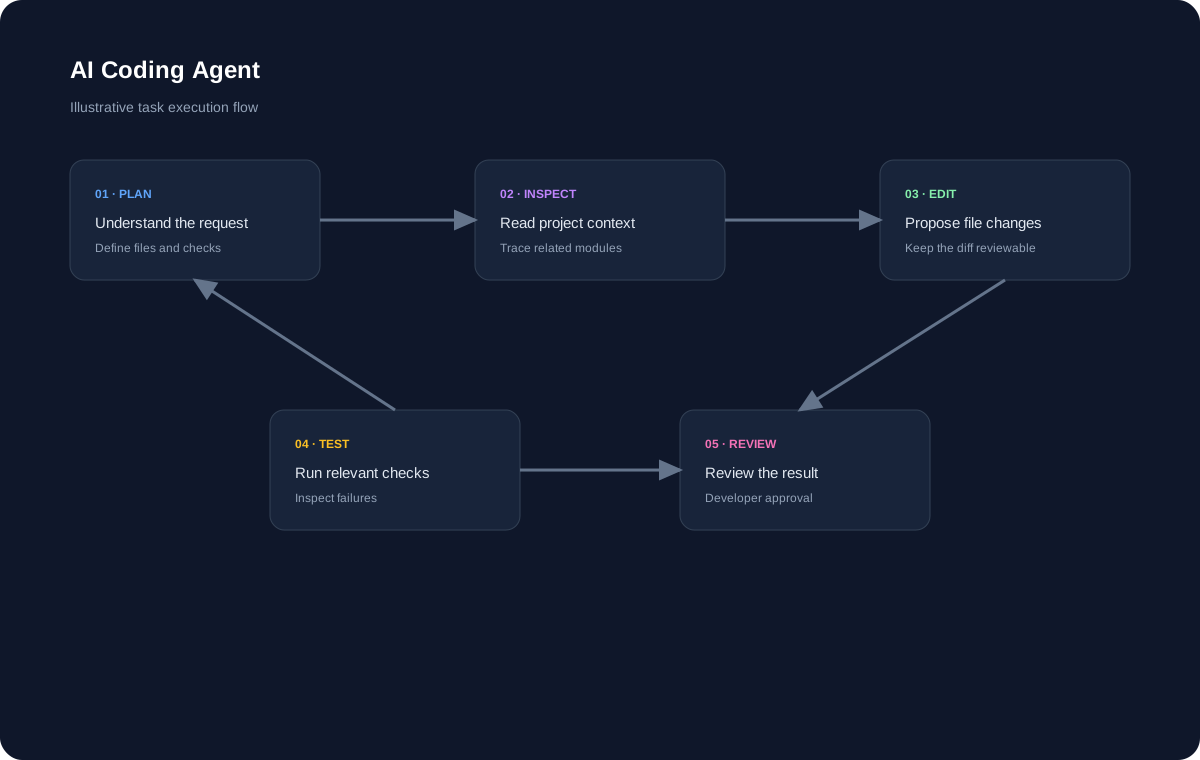
The interface shown here uses dummy data for demonstration. A real development task can move through planning, project inspection, code changes, review, and validation.
EXPLORE MORE
Continue to the pages that cover adjacent coding workflows and developer use cases.
FAQ
An AI coding workspace can assist with common Java tasks such as code generation, explanation, debugging, refactoring, and testing.
AI assistance is most useful when it can work with the relevant source and project context.
Yes. Review the code, run relevant checks, and verify behavior before shipping changes.
START BUILDING
Start with a question, an existing project, or a new idea and move toward a reviewed implementation.
Get Started Free →