Map the project
Start by identifying major folders, entry points, services, components, and configuration. This creates a useful mental model before making changes.
FoldersEntry pointsServices
CODEBASE UNDERSTANDING
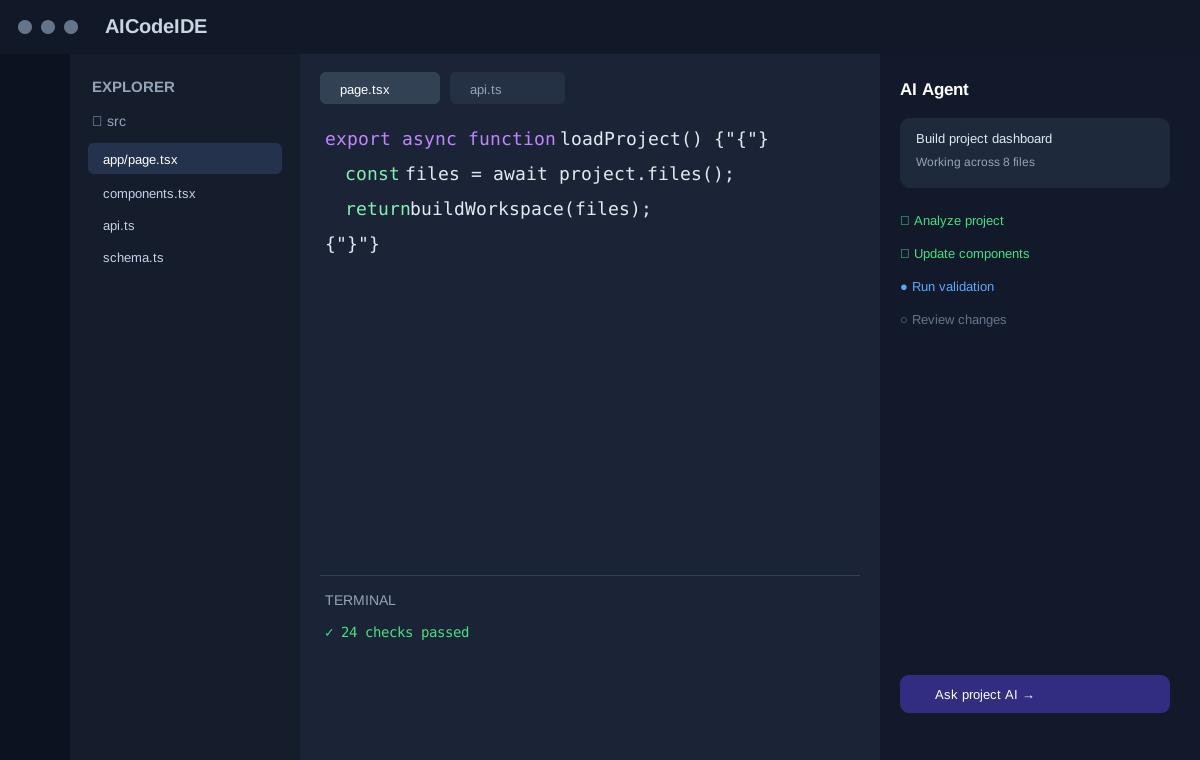
Large or unfamiliar repositories can take time to learn. A project-aware AI workflow can help you map files, explain modules, and trace relationships while you investigate the code.
A PRACTICAL AI WORKFLOW
Good AI coding experiences connect natural-language intent with the actual software being changed.
Start by identifying major folders, entry points, services, components, and configuration. This creates a useful mental model before making changes.
Ask where a behavior is implemented, how data flows, or which files depend on a module. Answers become more useful when grounded in project context.
Once you know where a feature lives, move from explanation to a small, reviewable implementation task.
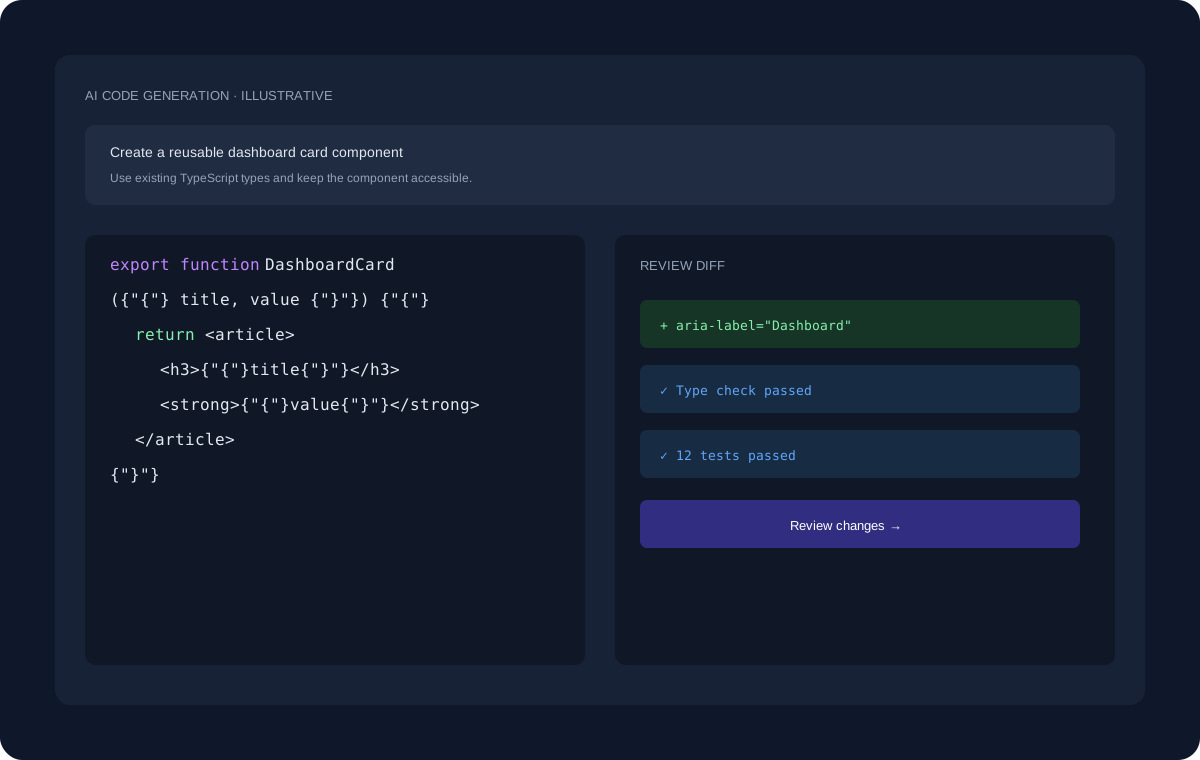
ILLUSTRATIVE WORKFLOW
The interface shown here uses dummy data for demonstration. A real development task can move through planning, project inspection, code changes, review, and validation.
EXPLORE MORE
Continue to the pages that cover adjacent coding workflows and developer use cases.
FAQ
AI tools can inspect relevant portions of a repository, but large codebases may require focused context and iterative exploration.
It can summarize relationships and patterns visible in the project context, which developers can verify against the source.
Context helps connect a question to the actual files, types, conventions, and dependencies involved in the task.
START BUILDING
Start with a question, an existing project, or a new idea and move toward a reviewed implementation.
Get Started Free →