Compare the workflow
Look at how each product handles everyday editing, AI conversations, project context, changes, and validation. Capabilities and pricing can change, so verify current details with each product's documentation.
EDITOR COMPARISON
Compare AICodeIDE and Cursor across AI coding workflows, project context, agent-style development, editor experience, and developer control. This page focuses on documented product capabilities and workflow differences rather than a single overall winner.
A PRACTICAL AI WORKFLOW
Good AI coding experiences connect natural-language intent with the actual software being changed.
Look at how each product handles everyday editing, AI conversations, project context, changes, and validation. Capabilities and pricing can change, so verify current details with each product's documentation.
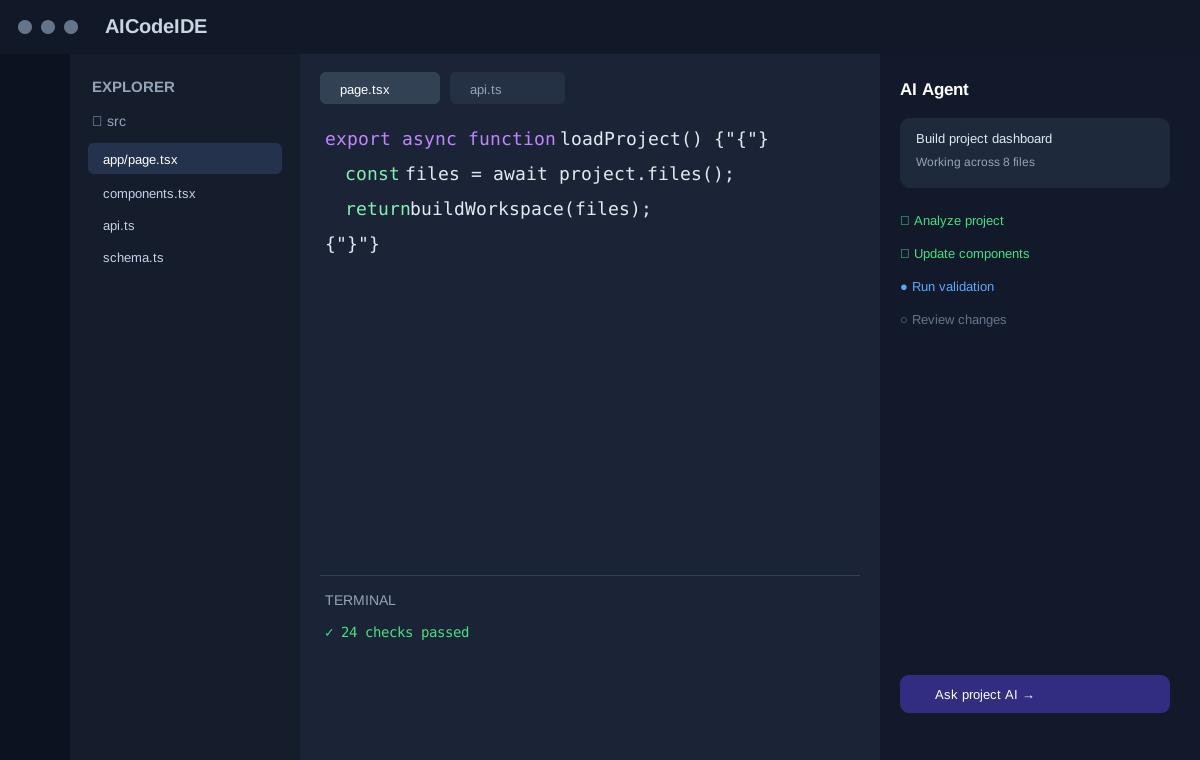
Agent features can differ in how they plan tasks, inspect context, make edits, and expose results for review. Evaluate the exact workflow that matches your development needs.
A useful comparison starts with your stack, project size, preferred editor workflow, model access, and budget. Use the facts on this page as a checklist rather than a ranking.
ILLUSTRATIVE WORKFLOW
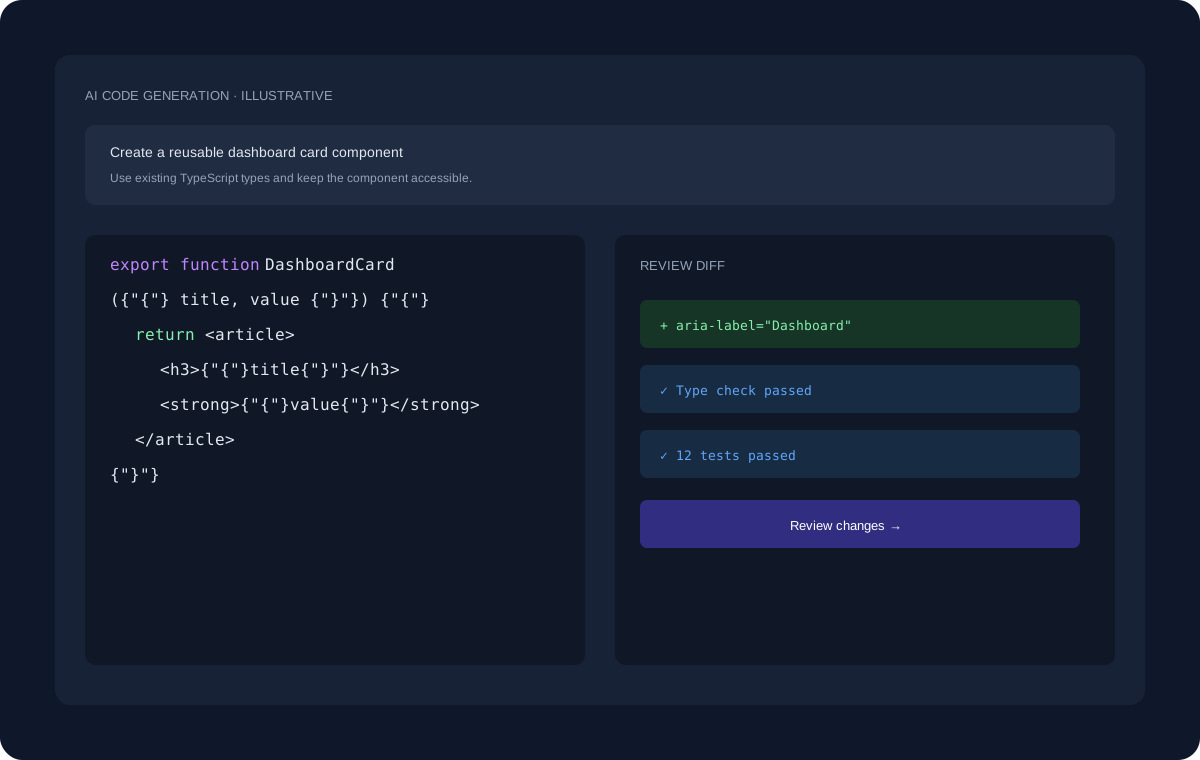
The interface shown here uses dummy data for demonstration. A real development task can move through planning, project inspection, code changes, review, and validation.
EXPLORE MORE
Continue to the pages that cover adjacent coding workflows and developer use cases.
FAQ
No. It presents a neutral framework for comparing documented capabilities and encourages developers to evaluate their own requirements.
Yes. AI coding products change frequently, so current official documentation and pricing should be checked before making a decision.
Consider editor workflow, project context, agent capabilities, model options, integrations, privacy, pricing, and the quality of your development experience.
START BUILDING
Start with a question, an existing project, or a new idea and move toward a reviewed implementation.
Get Started Free →